 Shadow Code
Run your AI coding app in parallel — and keep every window in its place.
Open several windows of Claude, Cursor or Visual Studio Code with one click, each on its own copy of your project if you want, and let Shadow Code arrange them on your screen.
7-day full trial, then 2 clones free forever. One-time purchase, no subscription. No account.
One session is never enough.
Working with AI means waiting on one session while another thinks. Most tools replace your editor to run sessions in parallel. Shadow Code doesn't: it works with the apps you already use and takes care of the screen.
How it works
Pick your project
And your app: Claude, Cursor or Visual Studio Code. Shadow Code tells you how many clones fit on this screen before opening any.
Invoke clones
Each one opens in the same folder or in its own git worktree, so parallel sessions don't step on each other.
Done
Your windows are arranged. Every window gets a label (Main, Clone 1, Clone 2…) that you can rename.
Built for the screen you have
Grid and Focus layouts
Grid splits the screen evenly, in 1, 2 or 3 rows. Focus gives the Main window most of the screen and stacks the clones in a column.
Main where you want it
Anchor the Main window Left, Right or Top, or keep it exactly where you put it. It never gives up its place.
Fits your screen
Shadow Code knows each app's minimum window size and never shrinks a window below it. What doesn't fit waits right behind, one click away.
Other apps stay in the picture
Keep a browser or terminal window visible: it stays where it is, and the layout arranges itself around it.
Jump to any clone
Bring the Main or any clone forward from the menu bar, from the app window, or with ⌥⌘0–9 (optional).
Clean up after yourself
Close one clone or all of them; the rest rearrange on their own. Clear the app's clones from the Dock's recent apps.
Private by design
No account, no analytics, no servers. Your license is checked on your Mac. Nothing leaves it.
What it looks like
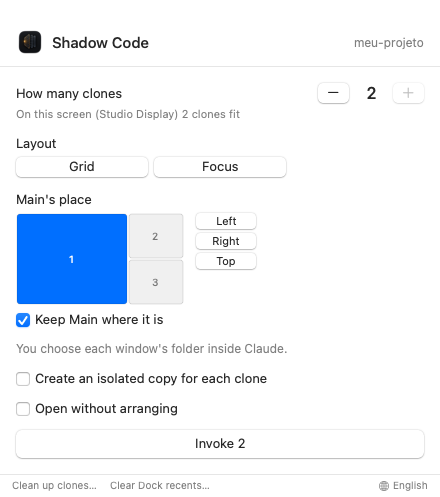
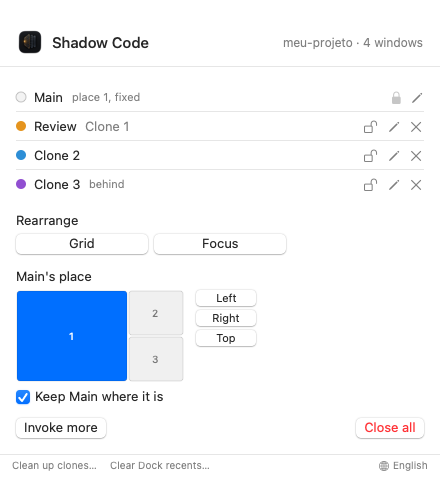
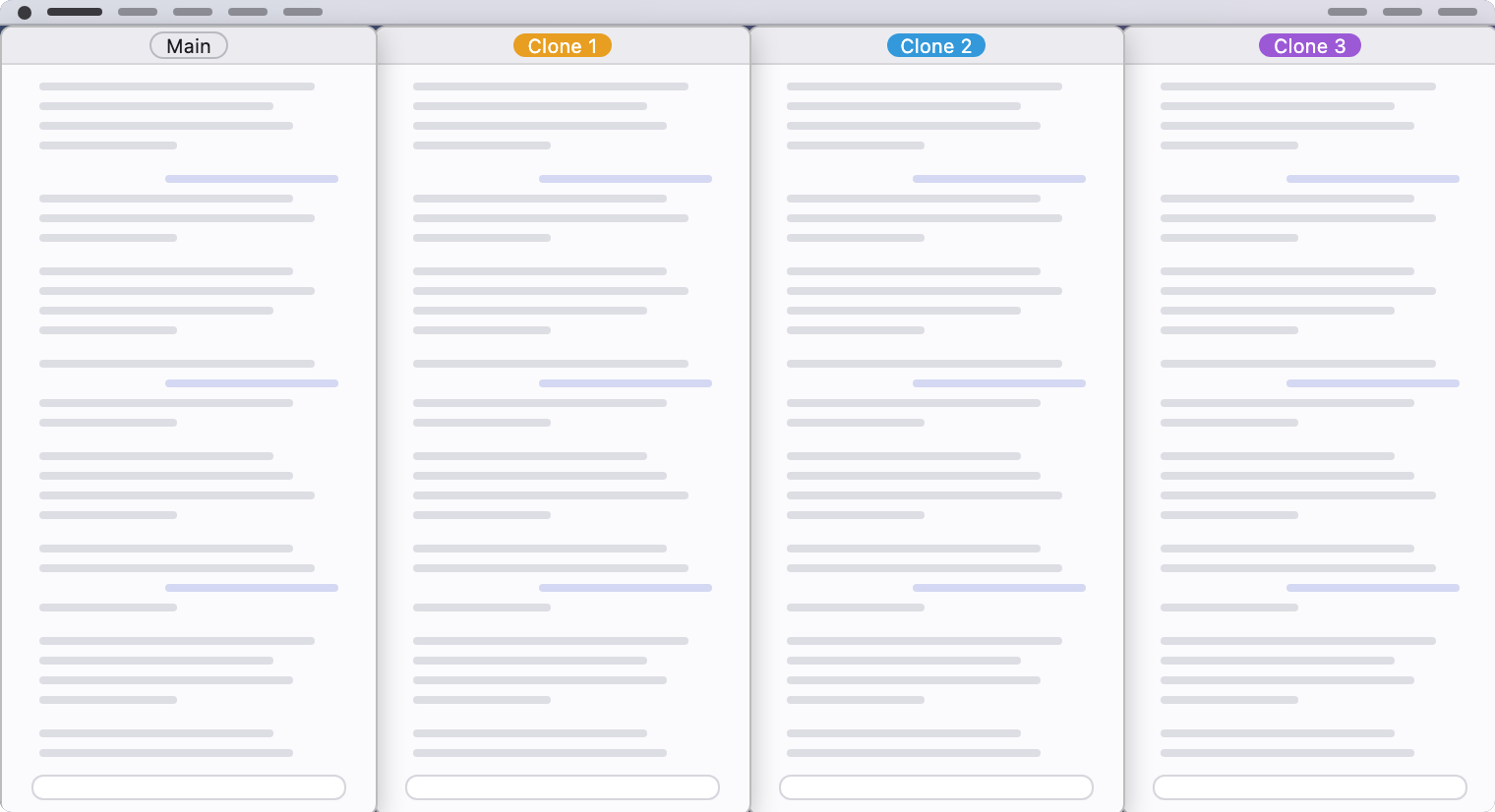
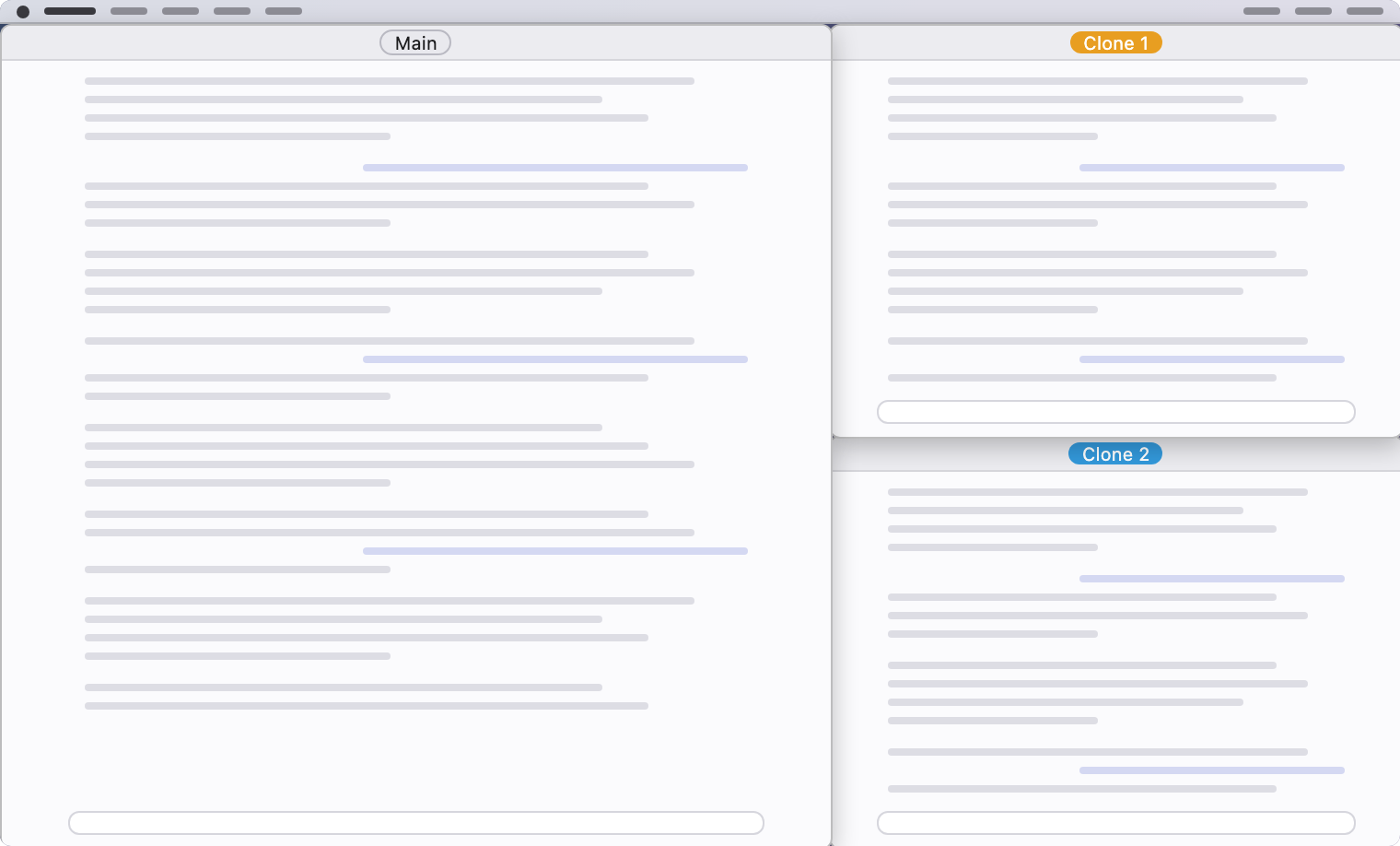
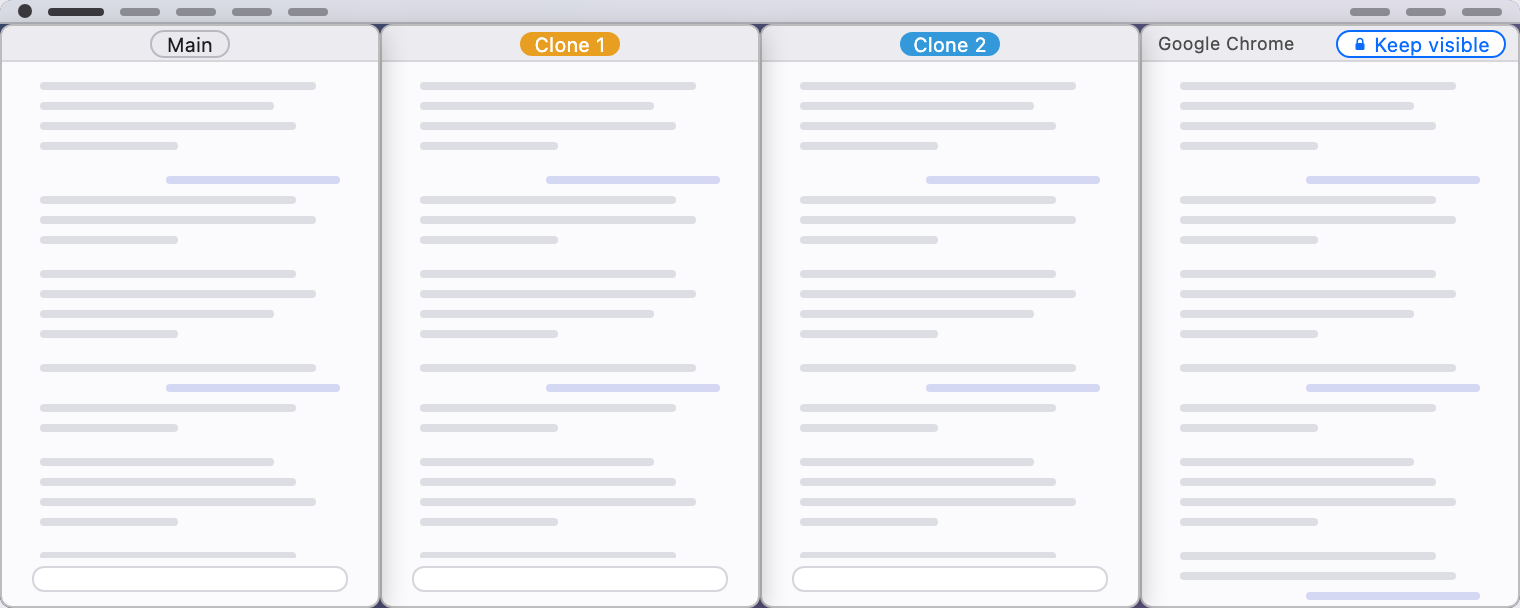
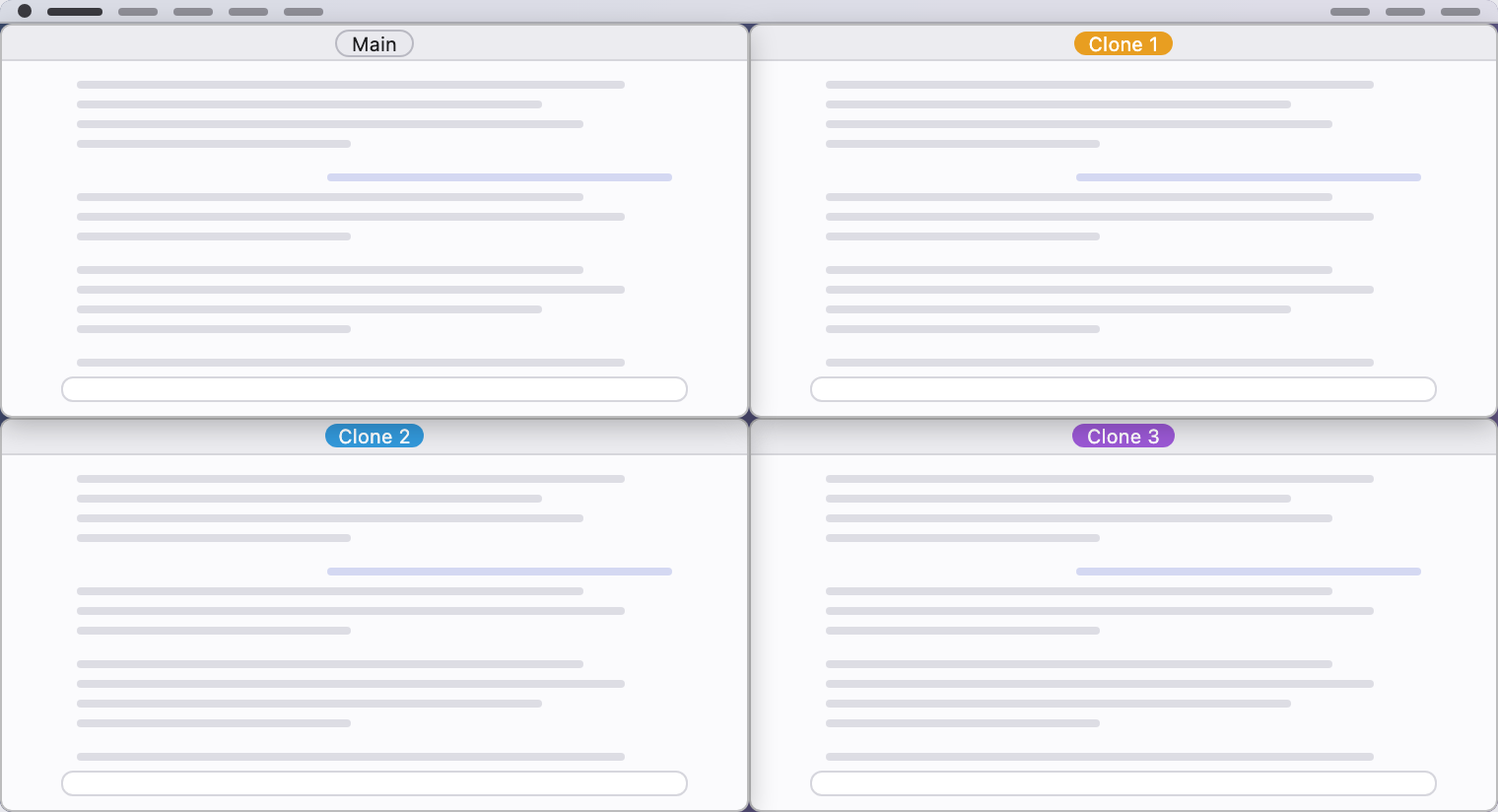
Desktop pictures are schematic. Screen recordings of the real thing are coming with the release.
Pay once. Keep it.
No subscription, no account, no upsell inside the app.
Free
Try everything, then keep 2 clones.
- 7-day full trial, no sign-up
- Then up to 2 clones per project, forever
- All layouts and shortcuts
Shadow Code
One-time purchase.
- As many clones as fit on your screen
- All layouts and shortcuts
- Free updates for 1.x
- A personal license, on the Macs you use
US$ 24 after the first 100. Sold by FastSpring, our reseller; taxes handled at checkout. 14-day refund, no questions asked.
Questions
Which apps does it work with?
The Claude desktop app, Cursor and Visual Studio Code. Any other app's window can be kept visible inside the layout.
What's a "clone"?
A new window of the app you use, opened by Shadow Code on the same project. Optionally on its own git worktree, so parallel sessions don't overwrite each other.
Why does it need Accessibility permission?
To move and resize windows. macOS asks once, and you can turn it off anytime in System Settings › Privacy & Security › Accessibility. Shadow Code doesn't read what's inside your windows.
Does it send anything anywhere?
No. There is no account, no analytics and no server. Your license is checked on your Mac. The only web request the app makes is to check for updates. See the Privacy Policy.
What happens after the 7-day trial?
The app keeps working with up to 2 clones per project, forever. Nothing is closed or removed. Buy once to invoke as many clones as fit on your screen.
Does it work on a laptop screen?
Yes. On smaller screens fewer windows fit side by side, and Shadow Code never shrinks a window below its minimum size. It tells you how many fit before opening any.
Is it on the Mac App Store?
No. Mac App Store apps must run in a sandbox that doesn't allow the Accessibility features Shadow Code needs. It is sold directly, signed with a Developer ID and notarized by Apple.
What are the system requirements?
A Mac with macOS 14 or later.
Can I get a refund?
Yes, within 14 days of purchase, no questions asked. Write to support@shadowcodeapp.com with your order number. See the license agreement.